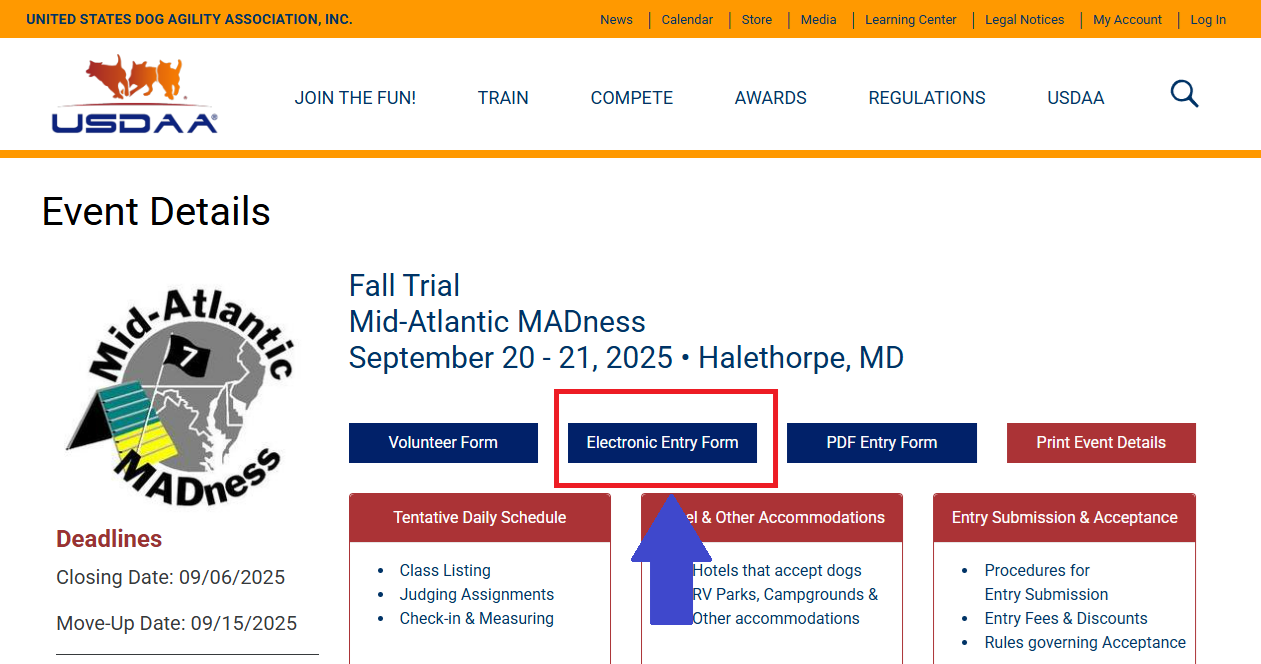
This trial is participating in the rollout of USDAA’s new online entry system. Trials that are participating in the rollout will have a new button “Electronic Entry Form” available. Please note that this button is no longer available the day after closing.

👈You can just follow the instructions on the left on that page to fill out your entry, print it, and mail it to the test secretary along with a check for payment. Note: if you Preview/Continue and then Save Final on the next page, the secretary can download your entry directly!
If you only hit the Save button, they can’t download the entry and you will need to print the form and mail it (or email it!). You can then mail a check.
However, if you would prefer to email rather than mail your entry, we will take that provided that you make an electronic payment to the club immediately before or after emailing your entry. Only Zelle is accepted at this time, and you must send the payment to this Zelle address:
Here are the steps to email your entry:
(1) Where the instructions tell you to print your entry, use a Print to PDF option to print it to a file.
(2) Click the button below to start composing an email
(3) Before you send the email, edit the subject to include your dog(s) name and your last name. Example:
<Fluffer> <Smith> entry for September MADness
(4) Then, attach the .pdf file(s) of your entry/entries and send the email.
You’re done! Postage saved !
 Mid-Atlantic MADness